

Overview
The top section of the Media Plan page, holding the plan-level summary fields.
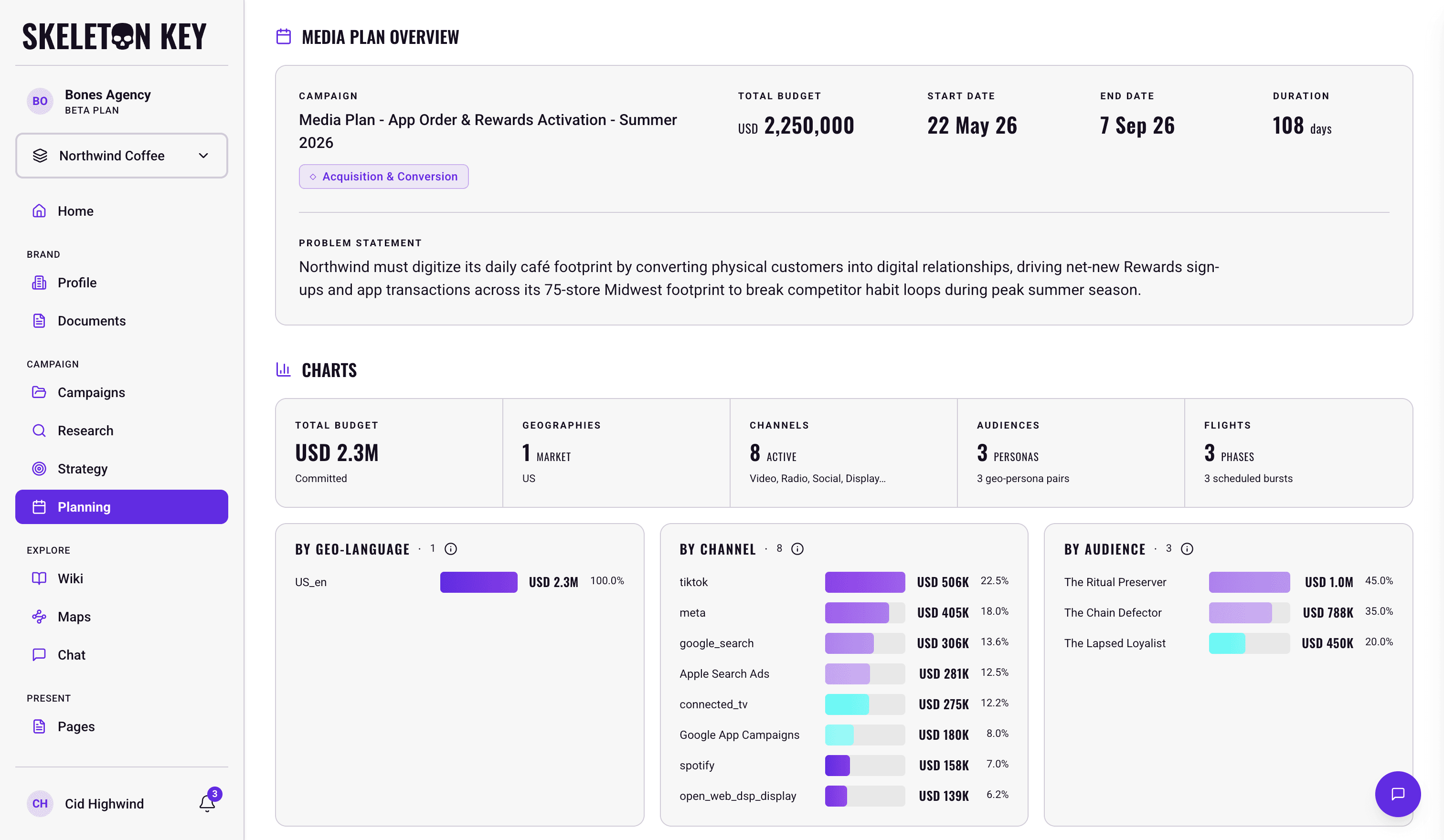
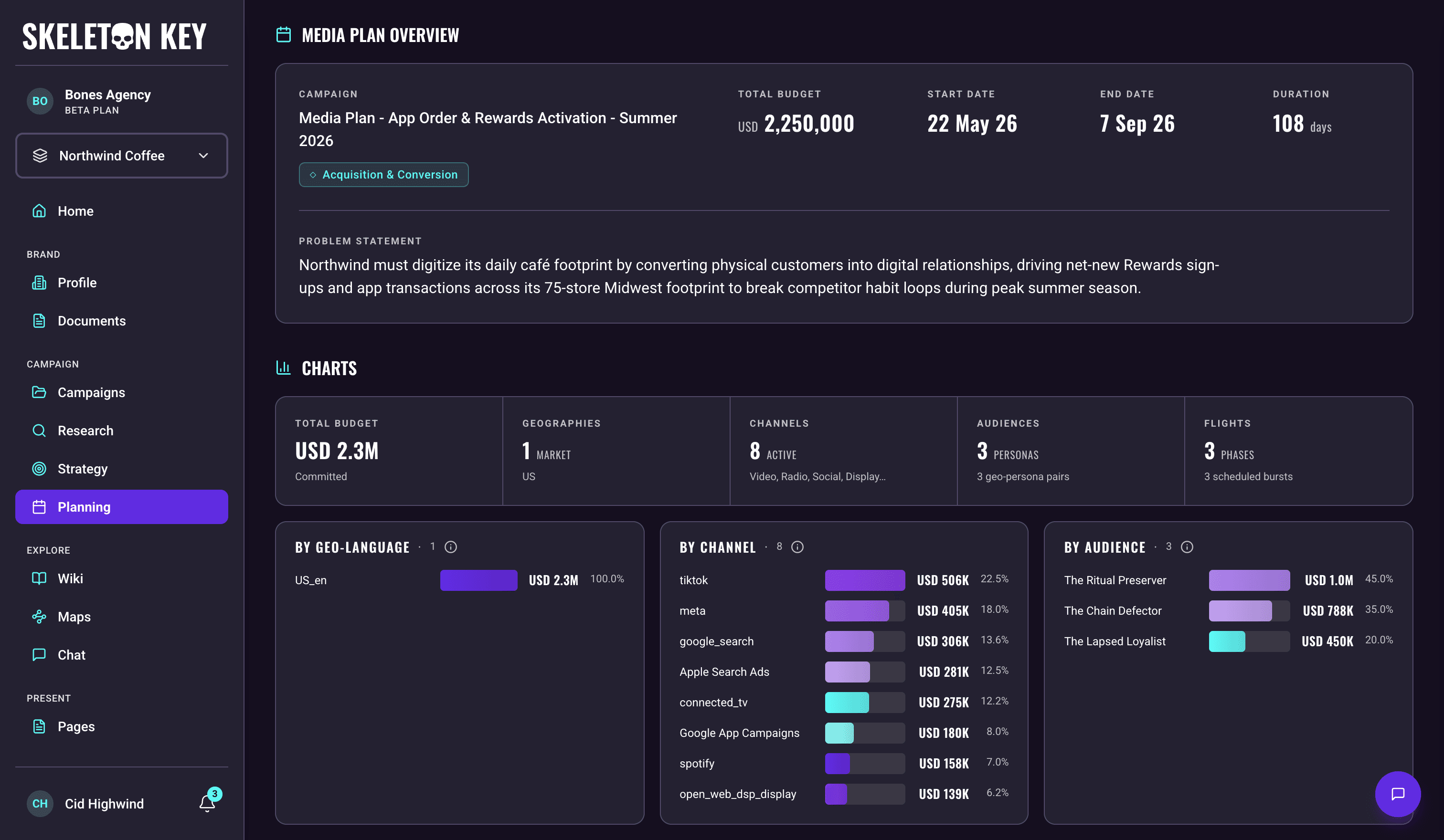
The Media Plan is one unified output split into three visible sections: MEDIA PLAN OVERVIEW at the top, then CHARTS, then PLAN DETAILS. This page covers the first of the three. Refining, version history, and sharing apply to the whole plan rather than to this section alone, so they live on the Media Plan page.
What it shows
The Overview section renders seven fields.
- Campaign: the plan's name, the same name the page header shows.
- Strategic Focus: a chip beneath the campaign name, carried in from Goals strategy. It holds one of six values (Awareness & Consideration, Acquisition & Conversion, Performance Efficiency, Activation & Product Engagement, Retention, Expansion & Loyalty, Launch & Market Entry).
- Total Budget: the currency code as a small prefix followed by the amount with thousands separators, for example
USD 1,250,000. - Start Date: the campaign start, shown as short day, short month, two-digit year (for example,
1 Jun 26). - End Date: the campaign end, in the same date format.
- Duration: the number of days between Start Date and End Date, with a tooltip noting it is auto-calculated from the two dates.
- Problem Statement: the brief's core problem, shown as a block of text below a divider in the same card.
A Source link to the upstream Strategy run sits in the page header above the Overview section, alongside the request name, created/updated timestamps, and any attached Documents.
These fields are read-only. To change what the plan says, run Refine and describe the change. See Refining and version history for how that works across the plan.
Limits and considerations
- Beta software. Outputs are not infallible. Treat the plan as a working draft and validate budgets, dates, and channel allocations with your team before sharing externally.
Last updated: 2026-09-22