

Core concepts
How orgs, brands, campaigns, roles, runs, and the Wiki fit together.
Skeleton Key is built around a simple containment model: organizations hold brands, brands hold campaigns, and campaigns hold the outputs of each phase. Once that model is clear, everything else follows from it: who can see what, which phases you can run, why your previous outputs don't disappear when you generate new ones, and where all of that work accumulates as the brand's Wiki.
Orgs, brands, and campaigns
An organization is the top-level container. Every user belongs to at least one, and most users own one. If you belong to multiple organizations (say, a personal account and a client's workspace), you can switch between them using the org switcher in the sidebar. Switching orgs changes which brands are visible everywhere in the app.
A brand lives inside an organization. One organization can hold many brands; one brand belongs to one organization. The brand selector in the sidebar filters every page (Research, Strategy, Media Plan, Documents) to that brand's content. Owners and Admins can create brands inside their org and manage which members have access to each one.
A campaign lives inside a brand. A single brand can have as many campaigns as you need, each with its own brief and its own set of Research, Strategy, and Media Plan outputs. Campaigns are how you scope downstream work: when you run Research inside a campaign, those outputs are tied to that campaign's brief and feed directly into that campaign's Strategy and Media Plan.
Roles and permissions
Organizations and brands each have their own role system. They're separate, and the word "Admin" appears in both. At the org level it's a broad role over the whole organization; at the brand level it's a role on one specific brand. A user can be an Org Member and a Brand Admin at the same time. Org role controls org-wide actions like creating new brands and inviting people. Brand role controls what they can do inside that brand: running workflows, editing outputs, and (for Brand Admins) managing collaborators on the brand.
Org Owners and Admins automatically have full edit access to every brand in their org. Brand-level roles apply to Org Members and Guests, determining what they can do (or see) on each brand they have access to. For the full role-by-role capability list, see Roles and permissions.
How the features fit together
Home sits at the top on its own. Below it the sidebar groups features by the job they support. Brand holds Profile and Documents. Campaign holds Campaigns, Research, Strategy, Planning, and the tools for running or refining that sequence. Explore contains Wiki, Maps, and Chat: three ways to browse and question the knowledge your work builds up, with the Wiki compiling your inputs and the agents' outputs into evidence-backed pages. Present contains Pages and Slides. Measurement contains the Marketing Mix Model.
A Brand Profile must exist before you can create a Campaign, and each campaign workflow requires its upstream work to be complete. Explore and Present become more useful as you generate outputs. Measurement runs separately at the brand level.
How the steps depend on each other
Brand
Inputs and profile
Campaign
Brief details
Research
5 outputs + 2 reports
Strategy
4 strategies + summary
Planning
Media plan
The five steps run in a fixed order, and each one requires the previous to be complete before it becomes available.
Brand Profile is the starting point. Without a completed Brand Profile, you cannot create a Campaign inside that brand. A Campaign brief, in turn, is what gives Research, Strategy, and Media Plan the campaign-level context they need. Once Research is complete inside a campaign, Strategy becomes available. Once Strategy is complete, Media Plan opens.
The product enforces these dependencies automatically. Trying to open a downstream phase before its upstream is complete shows a prompt explaining what needs to be done first rather than letting you into an empty page. This is by design: each phase grounds its outputs in the previous phase's findings. A Strategy built without Research would be working without the market intelligence layer; a Media Plan built without Strategy would have no planning rationale to draw from.
Research is the one exception to strict campaign-scoping: it can be run at the brand level, outside of any campaign, and is useful when you want exploratory market intelligence that isn't tied to a specific brief. Strategy and Media Plan are always campaign-scoped.
The Wiki: your brand's knowledge
Skeleton Key keeps a Wiki for each brand. It draws on your Brand Profile, campaign briefs, and uploaded documents, and on the findings and decisions in Research, Strategy, Media Plan, and completed Marketing Mix Model outputs. There is nothing to run: it updates in the background after new work lands, though an update can take a little while to show.
The Wiki is organised by entity, meaning the things your work is about, such as a competitor, an audience, a channel, a product line, or a campaign goal. Most entities carry an article. Behind the article sit claims, and a claim is one finding or decision with its source kept alongside it. Citations in the article take you to the claim, show the source quote when there is one, and link out to the document or workflow page it came from. Some entities are mentioned often but never get an article; their page collects those mentions instead. Pages can also form families, such as a channel with its sub-channels or a product with its product lines.
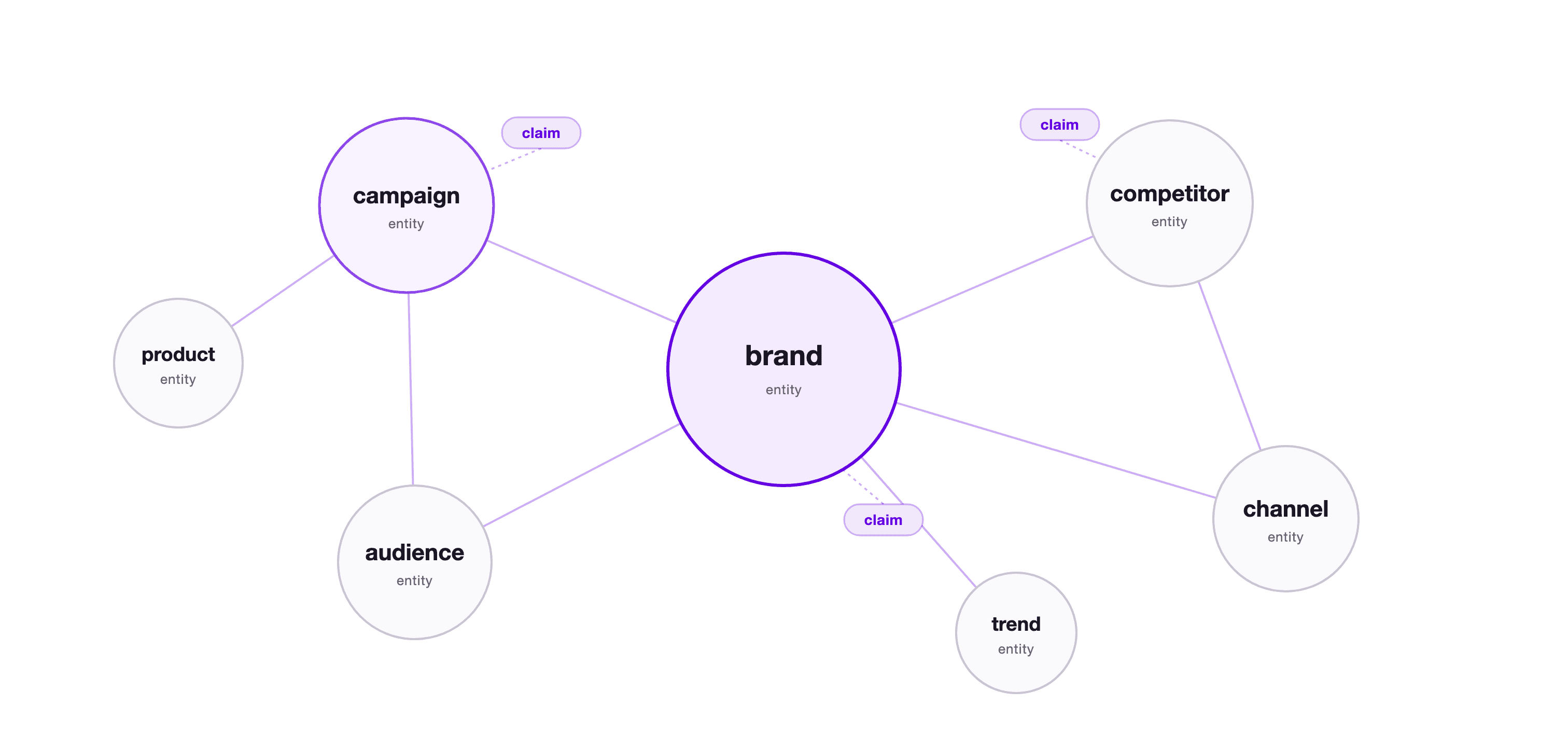
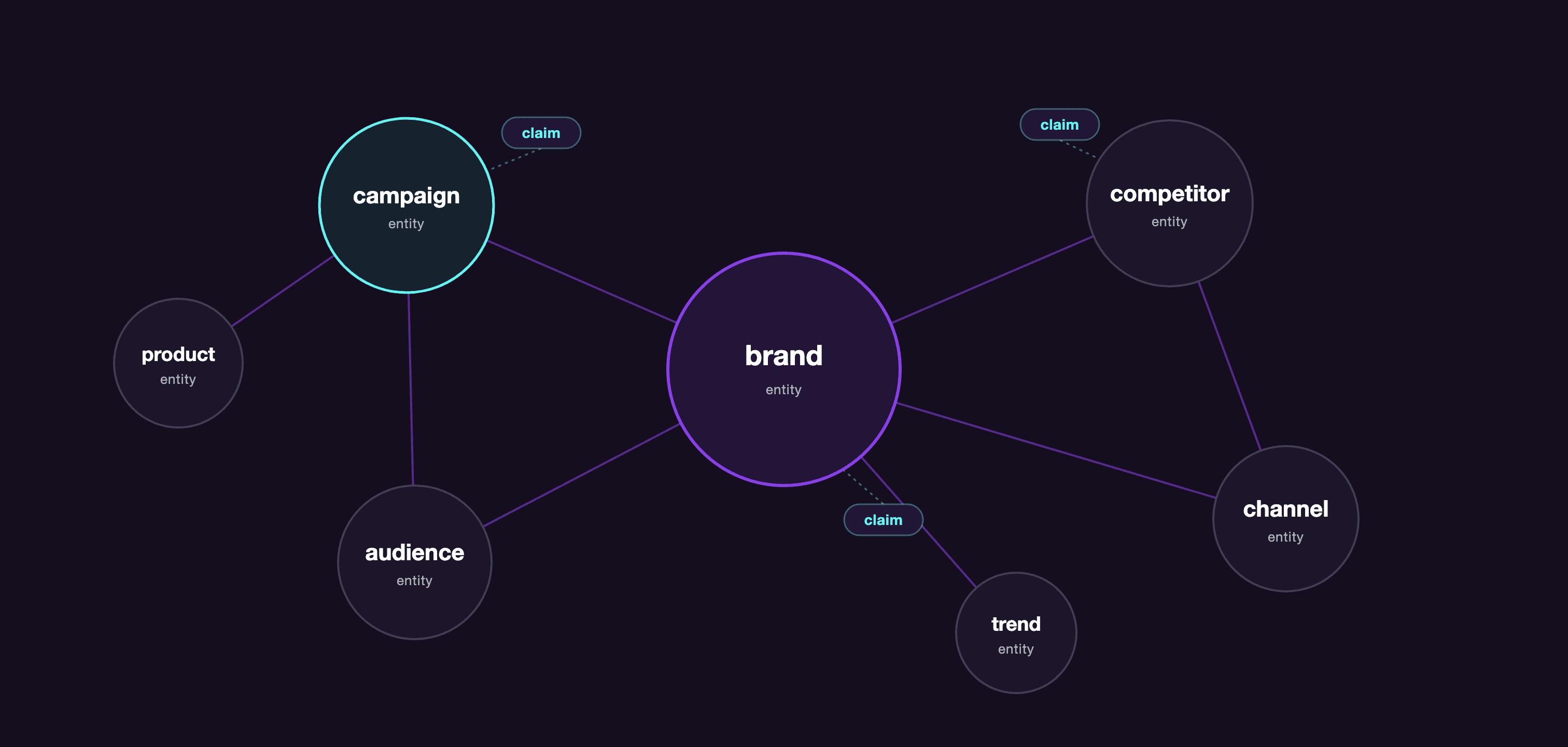
Under Explore, the same knowledge is open three ways. Read a page and check its evidence in the Wiki. Follow the connections in Maps, where the Campaign lens shows the links the Wiki has drawn between findings and the decisions they informed. Ask a question in Chat, which cites the Wiki pages it uses and can read figures straight from a live media plan.
The Wiki works only from material already in Skeleton Key and never searches the web. When you plan another campaign for the same brand, the knowledge from earlier work is there to return to.
Runs and version history
Each time you generate Research, Strategy, or a Media Plan, you create a run. The first time you generate Research for a campaign, that's version 1. When you Refine, Rerun, or Restore that phase, a new run is created. Previous runs aren't deleted; they're kept as version history and accessible via the History icon on each phase page.
The phase page always shows the current run by default, which is the latest version. Opening version history lets you view any previous run in read-only mode. From there you can restore it with one click, which promotes that older version to current. The version you restored from stays in history.
Refining a Media Plan also creates a new run. If you refine a plan and later want to go back to the auto-generated version, that earlier version is still in history.
Version history is per-phase. Refining Strategy doesn't touch Research. Refining Research, though, means your Strategy and Media Plan were built on the previous Research version. The product surfaces a staleness indicator on those downstream phases so you know they don't yet reflect the latest Research. The full Refine model, including how targeted feedback works and which agents re-run, is covered in the Refine workflow guide.
Where to go next
The Refine workflow guide covers the full model for iterating on outputs: feedback, partial reruns, and how the version history grows over time. For per-phase detail, see Research, Strategy, and Media Plan. For org-level administration (managing members, brand access, and billing), see Organization.
Last updated: 2026-09-20