

Wiki
Browse your brand's compiled knowledge base, with evidence-backed claims and links between related entities.
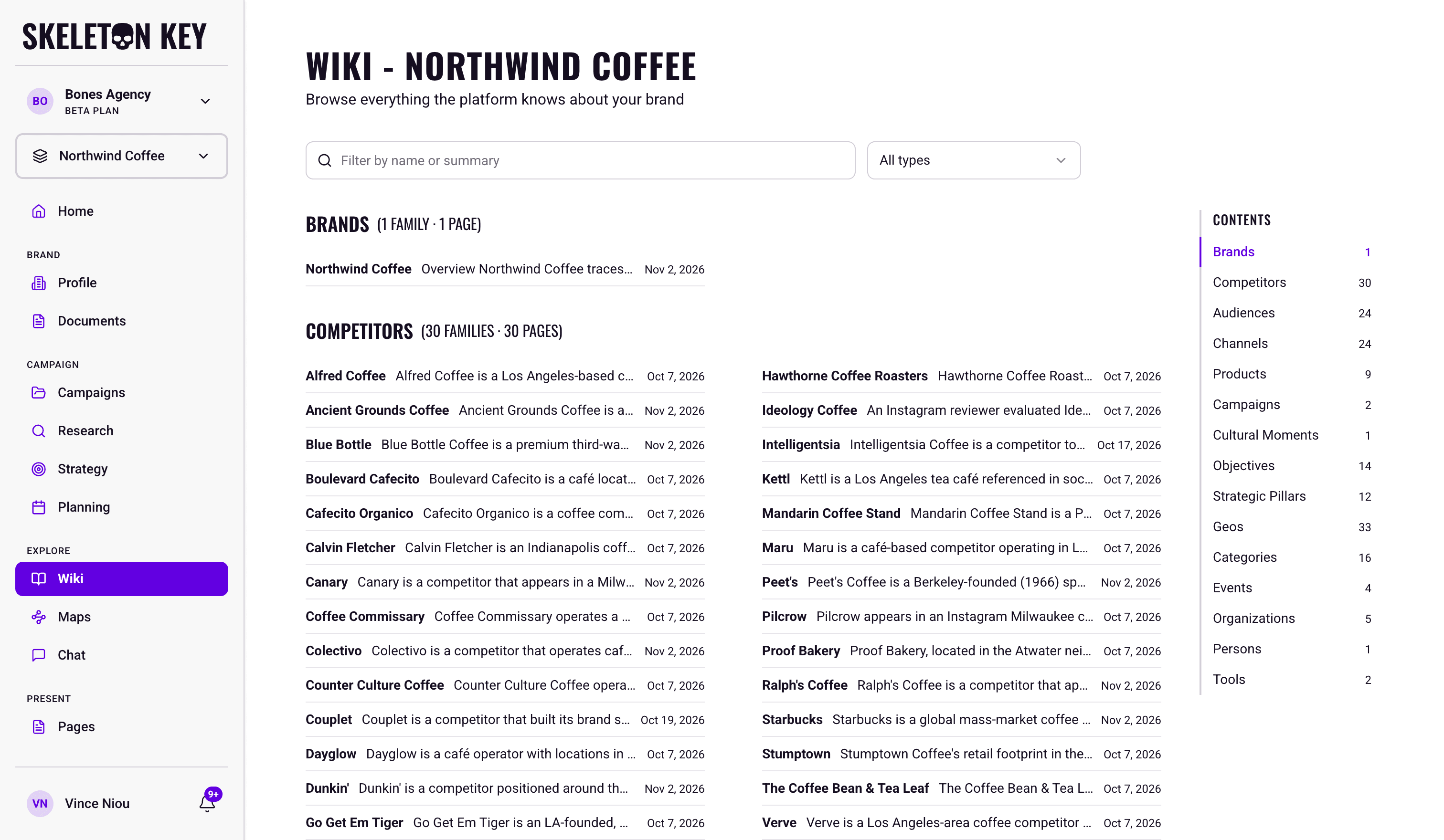
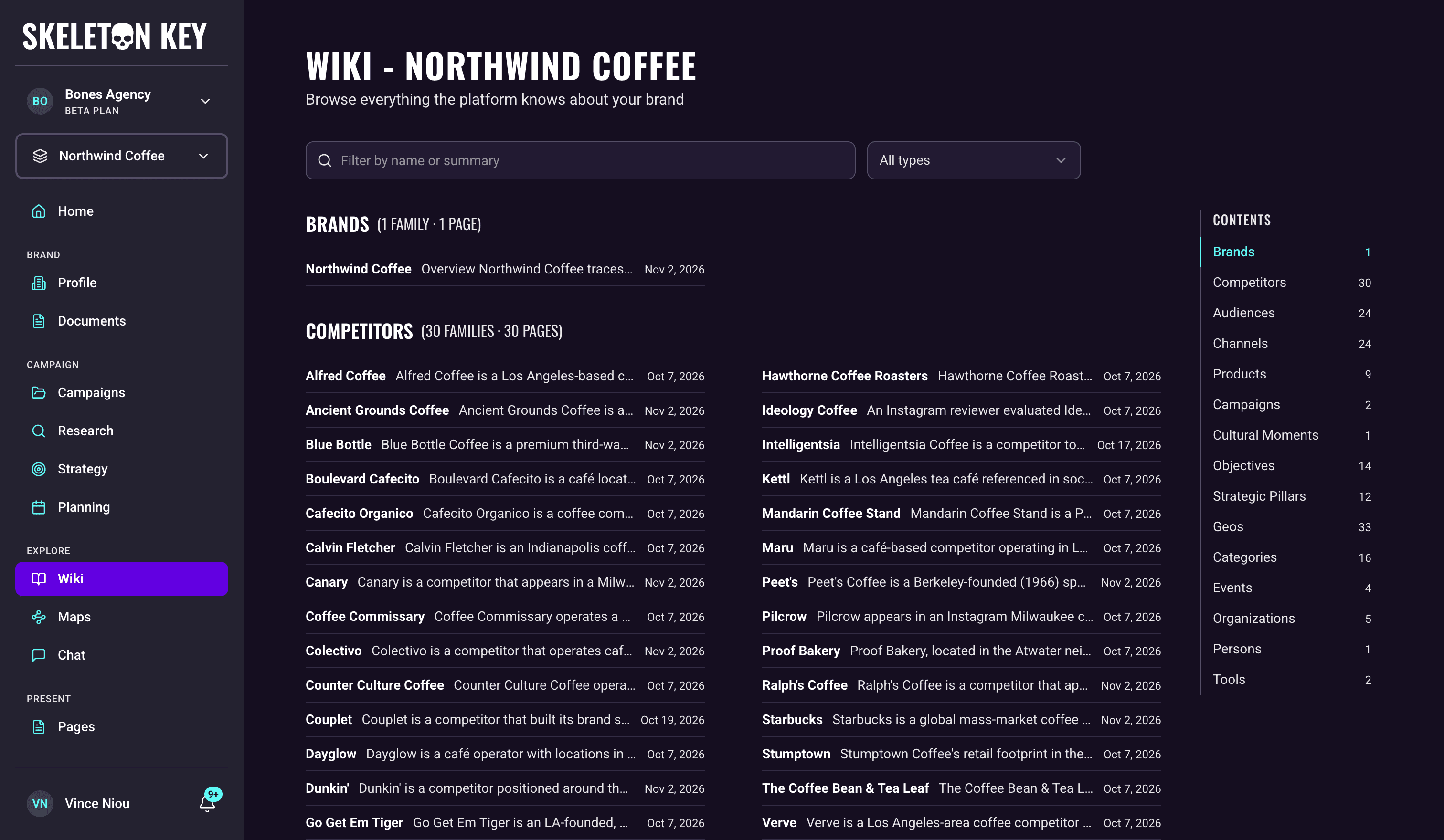
The Wiki is a browsable directory of everything Skeleton Key knows about your brand, from its competitors and audiences to its channels, products, campaigns, and trends. The longer you work in Skeleton Key, the more the Wiki knows. It is the reference your work writes for itself.
What it does
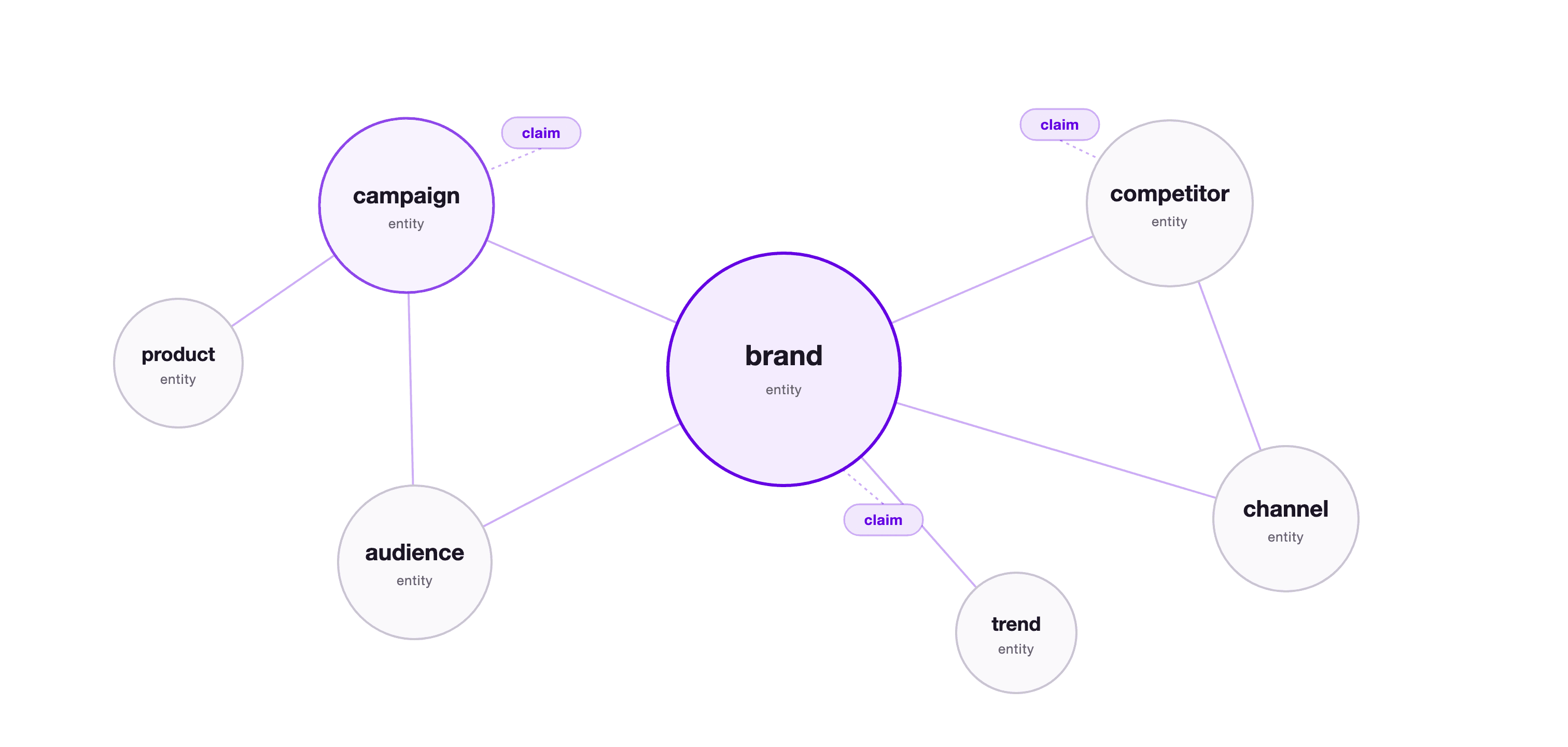
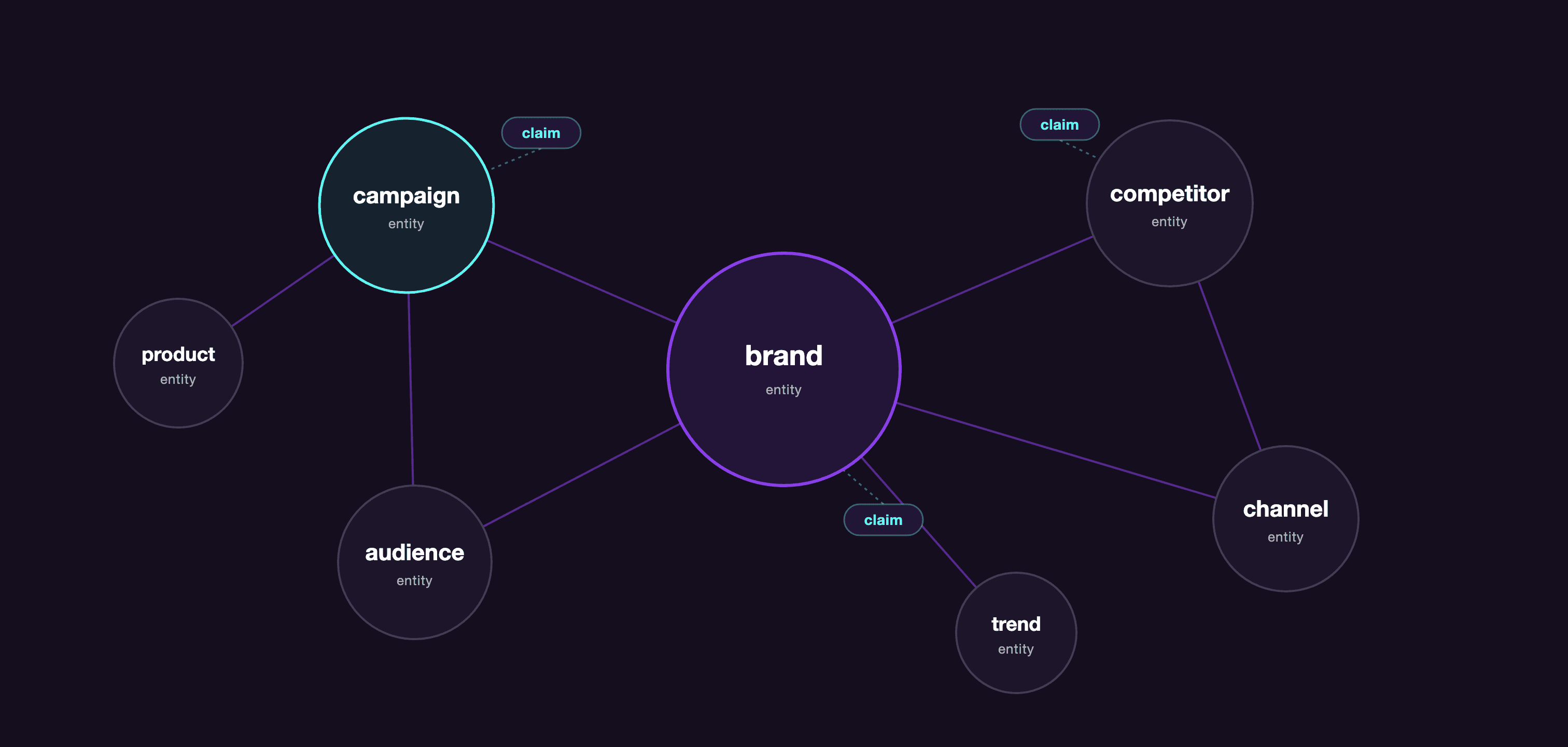
Skeleton Key compiles Wiki pages from your Brand Profile, campaign briefs, generated Research, Strategy, and Media Plan outputs, completed Marketing Mix Model results, and uploaded documents. Each page combines a readable summary with inline citations, the claims behind those citations, and links to related entities.
Sources
Your inputs and the agents' outputs
Evidence claims
Individual findings, each keeping its source and quote
Entity pages
Readable articles written from those claims
Connections
Links between related entities across the brand
Every factual statement in a Wiki page cites a claim, and every claim keeps the source it came from, with the original quote where one is available. That makes the Wiki auditable in a way an AI-written summary on its own is not. When a page says your Gen Z audience over-indexes on short-form video, you can open the evidence, see which research output said so, and read the exact words it used.
The Wiki also keeps general brand knowledge apart from campaign findings. On pages with a lot of evidence (50 cited claims or more), the Evidence section groups claims first by where they apply, brand-level knowledge and then one group per campaign, and inside each by the work that produced them: General for standing knowledge, Campaign inputs for what came from the brief, and one group per workflow run, labelled with its type and date, like Strategy · Jul 13, 2026. Smaller pages keep a single list, with the same scope and source shown on each row. A durable fact about your category and a hypothesis from last quarter's holiday push both have a place, and you can always tell which is which.
| What you might wonder | How the Wiki holds it |
|---|---|
| Where does a finding live? | Every finding is stored as a claim, and a claim has one home: the entity page it belongs to. Other entity pages that need it reference it there. A claim without a home can still appear under Other mentions on the collected page of an entity it names, when that entity has one. |
| How do entities relate? | Entity pages link to the competitors, audiences, channels, and products they share claims with. |
| Which campaign said this? | Every claim carries its scope, brand-level or a named campaign, and larger pages group the evidence that way, with the run each claim came from named inside. |
The Wiki is also what Chat reads. Ask a question there and Chat searches these pages, citing the ones it draws on. Browsing and asking are two doors into the same knowledge: the Wiki when you want to read and audit, Chat when you want an answer.
Where to find it
Click Wiki under Explore in the sidebar. The page lives at /wiki and always shows the directory for the brand selected in the sidebar.
How it works
The directory groups pages by entity type, and within a type it nests related pages under the entity they belong to, so sub-channels sit under their channel and product lines under their product. Each heading counts the families and pages in that type. Use the search field to filter by name or summary, or open All types to show only the types you need. A row for a written page shows the entity name, a short summary, and the date its page was generated. A nested article row also shows how many claims live on it.
The Wiki works from a fixed set of entity types, and the directory shows only the types your brand has entities for. The core types come first, in this order: the brand, competitors, audiences, channels, products, campaigns, trends, cultural moments, objectives, strategic pillars, and geos (places and regions). Eight further types follow in alphabetical order when your work names them: categories, events, organizations, partners, people, regulations, retailers, and tools. Some older Wikis also show a few types from before this set was fixed.
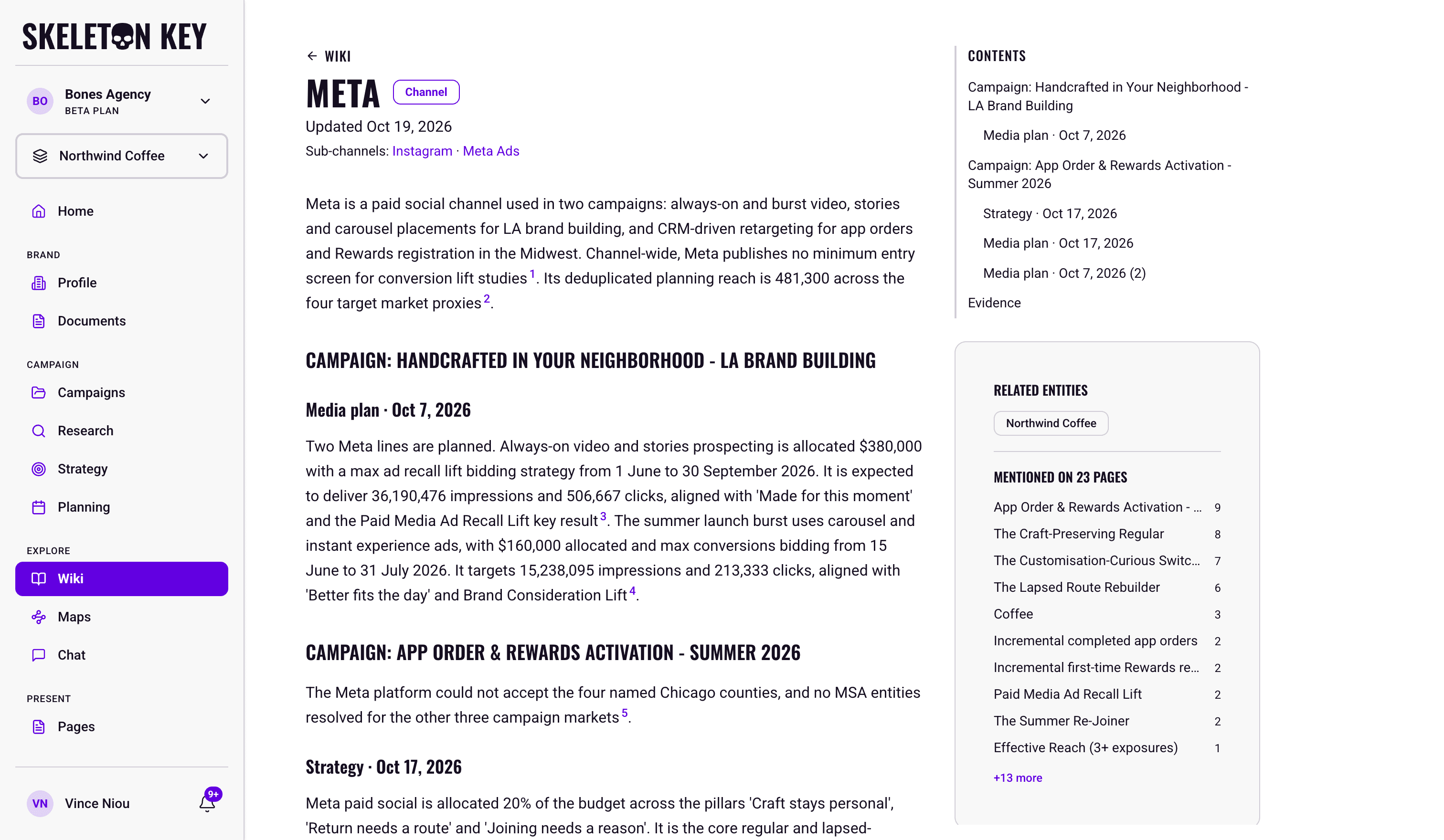
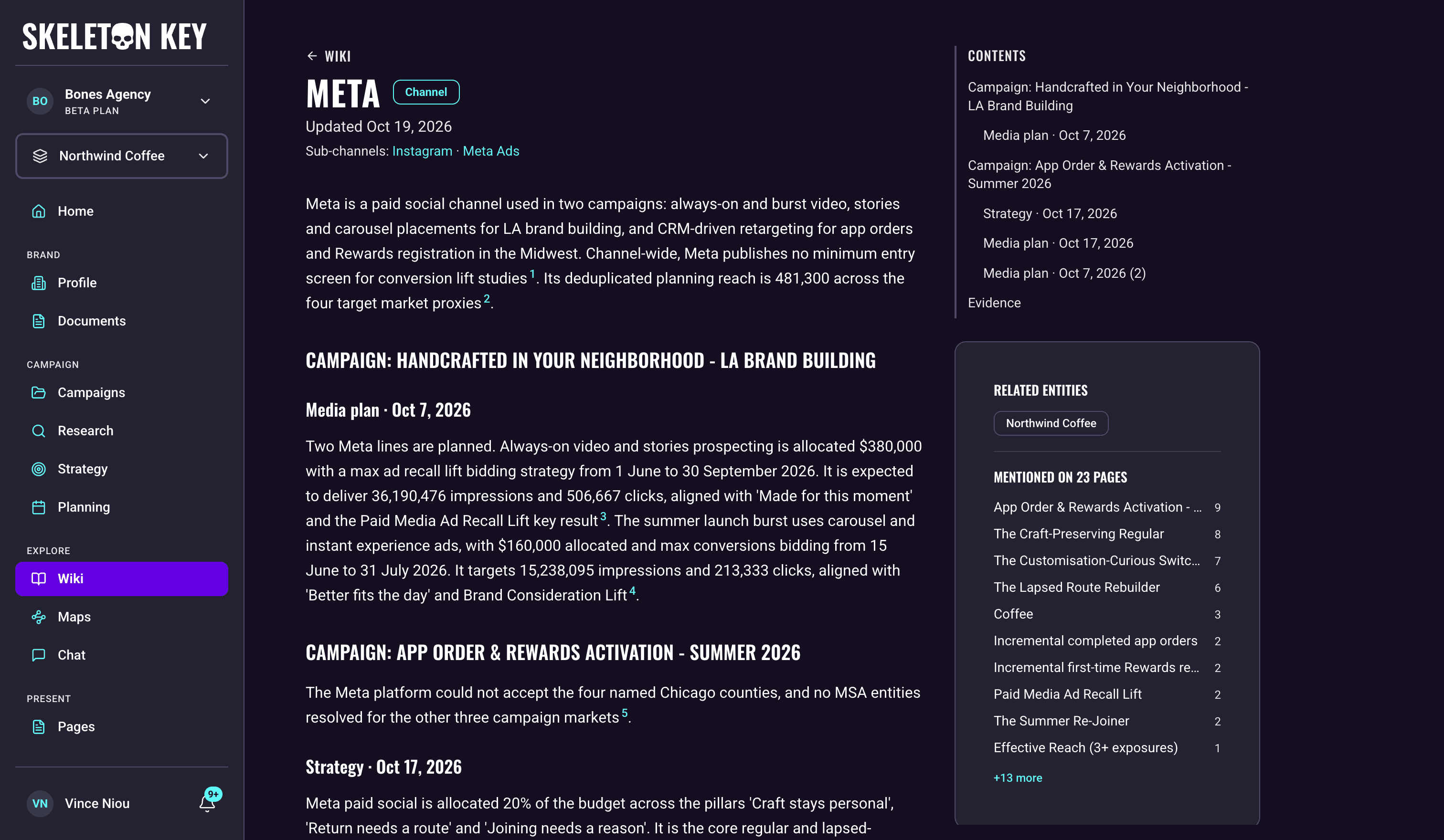
Open an entity to read its page. The header shows where the entity sits: the path from its top-level parent down to it, and lines listing the pages under it, grouped by how they relate. Citation numbers in the article preview the supporting claim and jump to its row in the Evidence section. Each evidence row shows its status and names its source, with the original quote when one is available. Claims from your own inputs (your brand details and campaign brief fields), uploaded documents, and MMM results start as settled, as do team edits. Findings the agents generate start as provisional until an editor confirms them. Most sources link to where they live: a claim from an uploaded document opens that document in your library, and a claim from a Research or Strategy run opens that run's page, showing its latest version. Claims the article did not cite sit below in a collapsible Additional claims section, so nothing the Wiki holds about the entity is hidden. A large page also ends with a Conflicting information section when the Wiki finds claims that contradict each other, citing both. On a page with a lot of evidence, a filter above the Evidence section narrows the claims by their wording or their quoted source. The connections rail links to related entities and shows how many pages mention this one.
Entities without an article
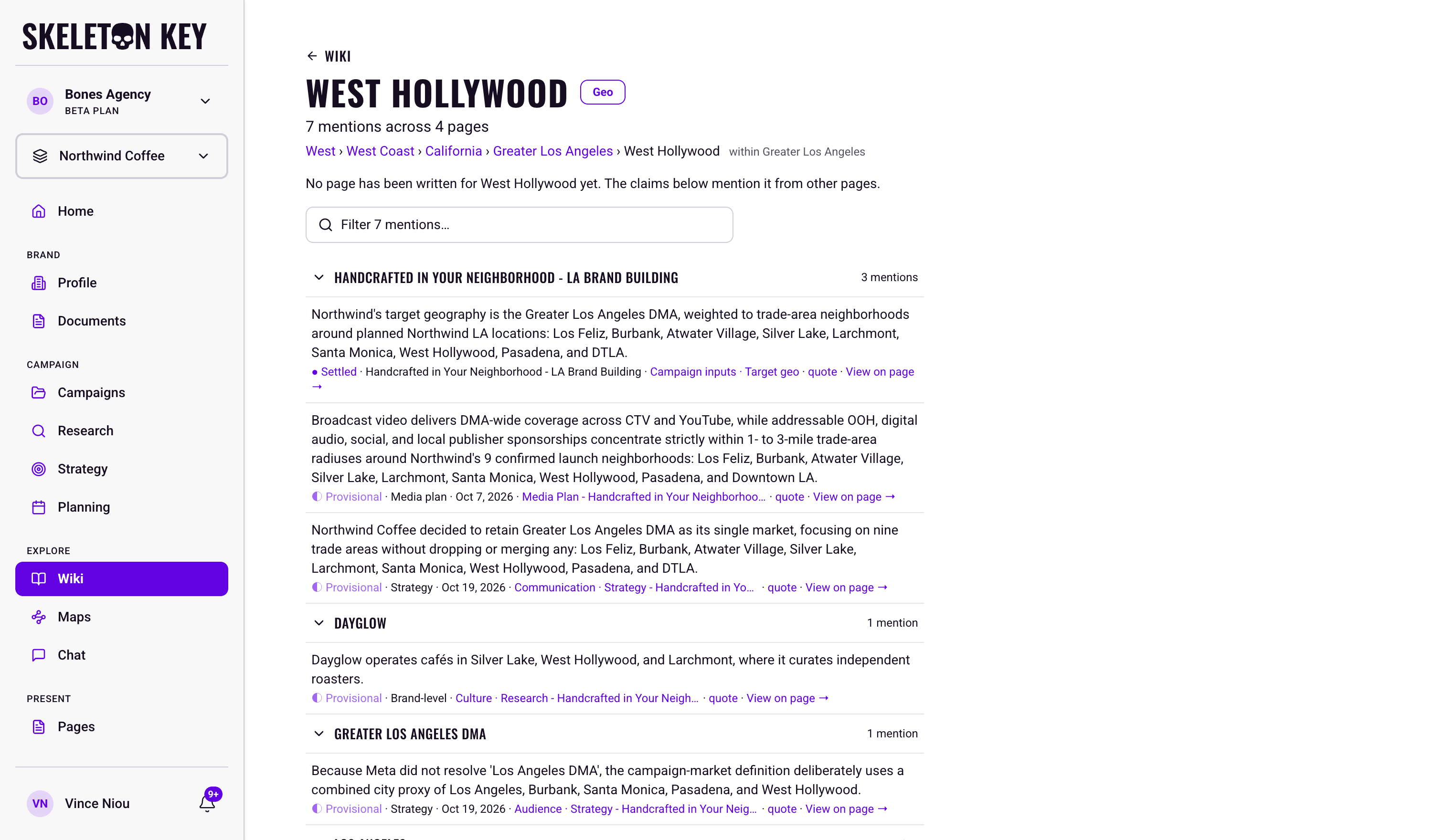
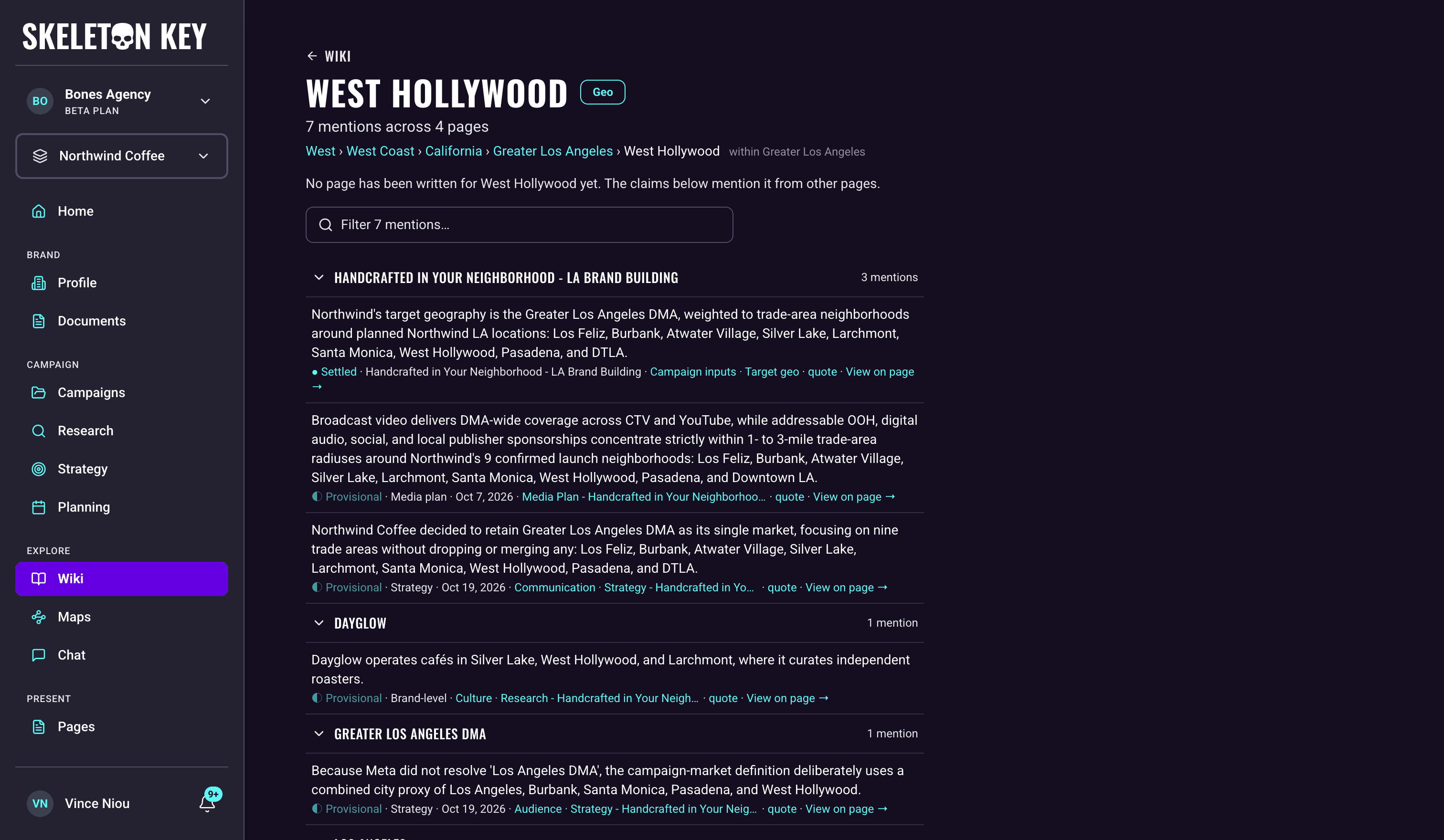
Some entities are named often but never get an article of their own, usually broad category words. Opening one shows a collected page instead: how many times it is mentioned and across how many pages, then those mentions grouped by the page each one lives on, with a link into that page where one exists. Mentions that do not live on a published page come last, under Other mentions. A parent entity with no mentions yet shows an empty state. There is nothing to edit there, and it becomes a normal page if the Wiki later writes one.
How pages stay current
Different names for the same thing lead to one page. A name that matches an existing entity, or another name the Wiki has already recorded for it, joins that entity's page. A similar but not identical name, such as a competitor's full company name next to its short name, is checked by a model first, and if the match is uncertain the two stay separate. Audiences, objectives, strategic pillars, trends, cultural moments, and categories are also checked when their names match exactly: an audience your Research names and the same audience named in Strategy join one page unless the check finds they are different.
New source material queues the pages it affects for an update, so the directory grows as you generate more work and upload more documents. When a run is refined, rerun, or restored, the claims from its new version replace the ones from the earlier version. Changing a field on the Brand Profile or a campaign brief replaces the claims that came from that field.
Deleting a document from your library removes every claim that came from it, and pages that shared those claims are rewritten without them. Archiving a campaign keeps its claims in the Wiki.
What you can adjust
Search and type filters stay in the page URL, so browser back and forward navigation restores them. Clear the filters to return to the full directory.
If you have edit access to the brand, you can also curate the evidence itself: confirm a provisional claim, undo a confirmation, edit a claim's text, or restore its original wording. An edited claim lists Team edit as its source and keeps the original quote for reference. Confirmations and edits become part of the record, so the Wiki reflects your judgment about what is settled, not just what the agents produced. A claim change queues the page to refresh.
Limits and considerations
- A Brand Profile is required. Without one, Wiki asks you to complete the profile first.
- The Wiki doesn't create new findings. It compiles what your generated outputs, campaign details, and documents already say. It never searches the web or runs a workflow of its own. To change what the Wiki knows, generate or upload more, and the affected pages catch up.
- Updates are not instant. A page can briefly show its earlier version while new findings are queued. The page header shows its generated date, and editors see a refresh notice while an update is pending.
- Of the agents, only Chat reads the Wiki for now. Research, Strategy, and Planning work from their own inputs and don't draw on the Wiki yet, so a claim you confirm or edit here doesn't change their next run.
- Directory search is focused. It matches entity names and summaries, not every sentence in an entity page.
- Entity pages can change address. Renaming an entity keeps its old address working. A page can still disappear if two entities merge, or if every finding that lived on it has gone, in which case the page is retired. If an address is missing, the Wiki refreshes its directory once. If that refresh fails you can try again, and if the page is still absent you see a page-not-found message.
Last updated: 2026-11-03