

Reports
One-page executive summary and full narrative reports from all analysts.
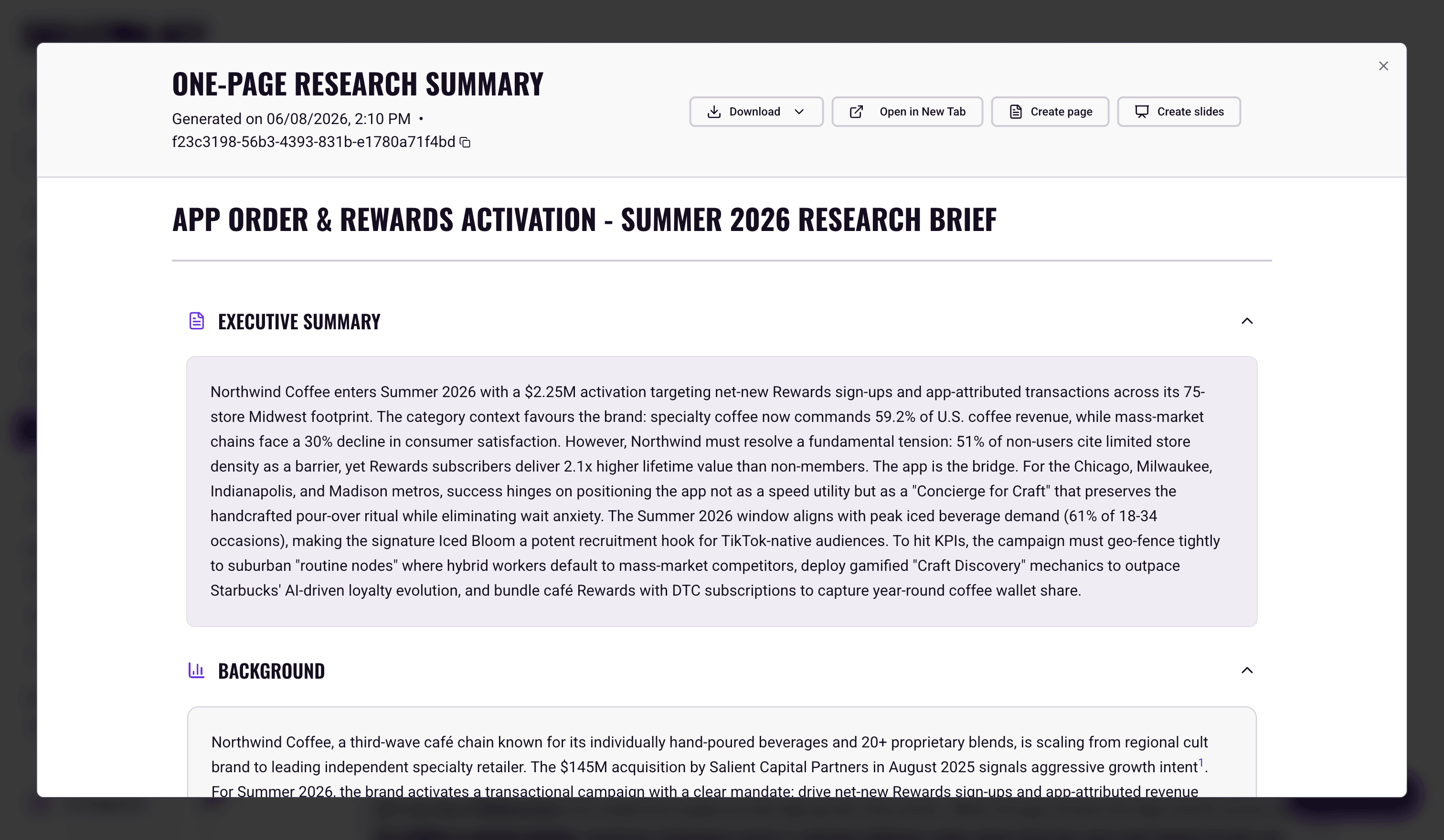
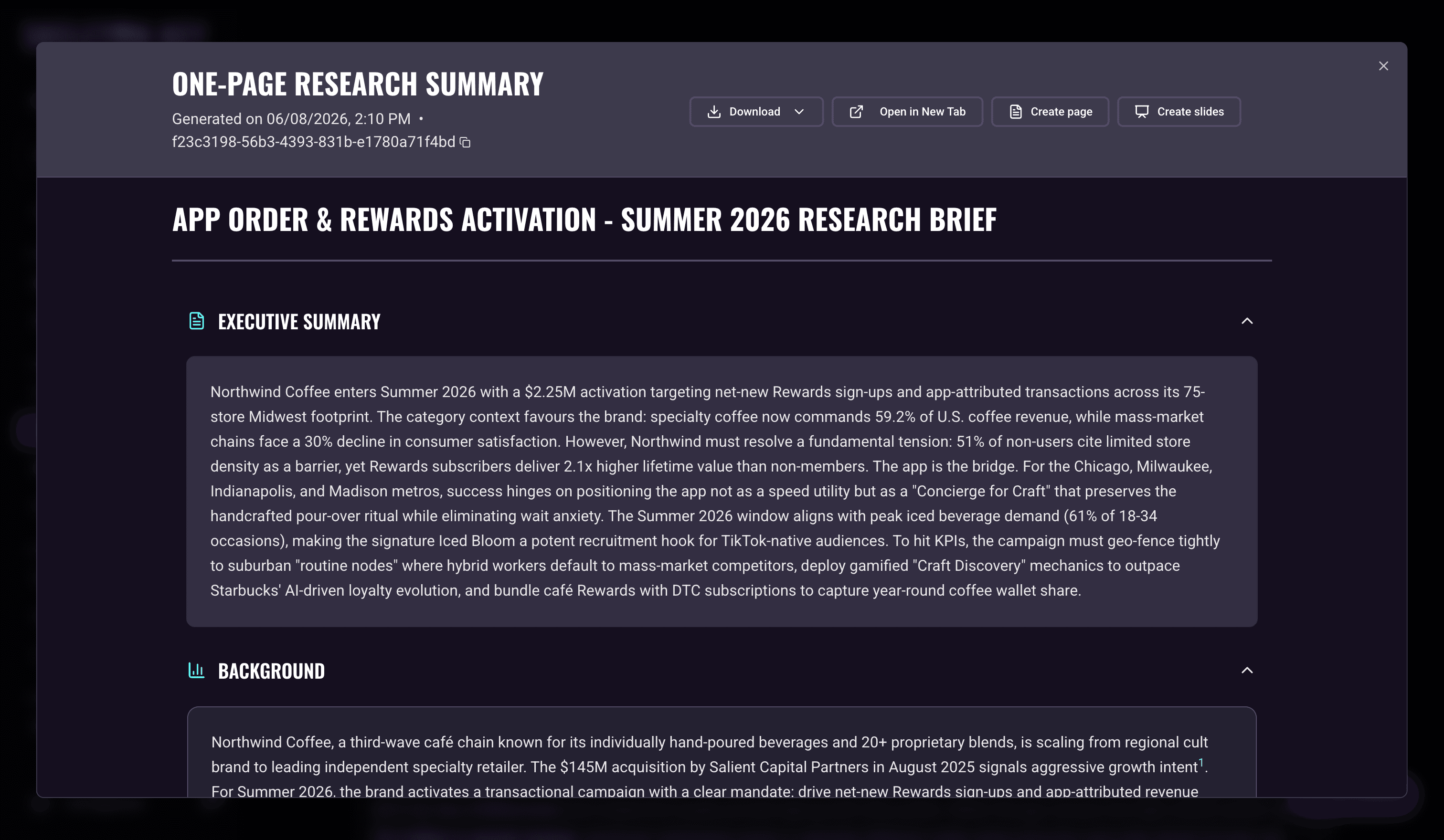
After the five Research analysts complete, Skeleton Key produces two synthesis outputs: a one-page executive summary and a long-form narrative report. They're the most-shared Research outputs because they're the easiest to hand to a stakeholder who isn't going to click through five analyst tabs.
What it produces
One-Page Summary: A single-page summary of the highest-signal findings from across all five analysts. It's written for a director or executive who needs the key points in 4-6 minutes. Expect top-line claims, key statistics, and the most consequential findings, each backed by citations, closing with a short Risks & Evidence Gaps list of the caveats to carry into Strategy.
Full Report: A long-form narrative document that weaves the evidence, insights, and story from all five analyst dimensions into one cohesive read. It's written in storyteller cadence rather than bullet-point cadence. Expect 5-10 pages of structured prose covering the full picture: market forces, competitor landscape, cultural context, audience intelligence, and social signals. It closes with strategic thought-starters, a conclusion, and a Risks & Evidence Gaps list.
Where to find it
Both reports live on the Research page, accessible after a completed Research run. They appear in a Synthesized Reports strip above the five analyst tabs, with a left half labeled One-Page Summary and a right half labeled Full Report. Each half shows the generation timestamp once ready and opens the report in a full-screen modal when clicked. Export options live in the modal toolbar.
How it works
After all five analysts finish, the Synthesized Reports strip becomes available with a Start button on the right. Clicking Start generates both reports in parallel from the five analyst outputs.
After you Refine Research, click Start again to regenerate both reports against the updated analyst outputs. Both refresh together as a single synthesis pass.
Report generation takes about 3-4 minutes after you click Start.
When to use which
The One-Page Summary is the right format when you're sharing Research with someone who won't read more than a page. It's also a useful introduction to a strategy briefing: give the audience the snapshot, then walk them through the implications. If a finding doesn't make the cut in the one-pager, it's still in the relevant analyst tab.
The Full Report is the right format when your reader has time for depth and a narrative read across all five dimensions, not just the highlights. It's the source you'd reach for when writing a creative brief, a positioning deck, or a strategy document, where the connections between findings matter as much as the findings themselves.
Limits and considerations
- Synthesis quality follows analyst quality. Both reports are downstream of the five analysts. Weak analyst outputs (thin source data, a vague campaign brief, English-first source bias) propagate to both reports. If a report feels off, refine the analysts first.
- The one-pager omits nuance. The format forces aggressive prioritization. Check the relevant analyst tab for findings that didn't make the cut.
- Both reports update together. When you click Start, both the One-Page Summary and the Full Report are produced from the same synthesis pass. There's no way to refine one independently.
- Beta software. Validate cited claims and the framing of any sensitive finding before circulating to teams or briefing executives.
Last updated: 2026-11-02